
 Home
Home Download
 News
News Mastodon
 Bluesky
 X
X Summary - 18 Years
 Summary - 17 Years
 Summary - 16 Years
 Summary - 15 Years
 Summary - 13 Years
 Summary - 11 Years
 Summary - 10 Years
 Resources
 Technical Reference
 Scripting Tutorial
 Video Tutorials
 Wiki Pages
 Image Gallery
 Color Presets
 Using libgmic
 G'MIC Online
 Community
 Discussion Forum (Pixls.us)
 GimpChat
 IRC
IRC Report Issue
| Table of Contents ▸ List of Commands ▸ Image Drawing ▸ thickpolyline | ◀ thickpolygon | thickspline ▶ |
thickpolyline
Arguments:
- [coords],thickness>=0,_is_closed={ 0:No, 1:Yes },opacity,_pattern,_color1,...
Description:
Draw a thick polyline on selected images.[coords] is the image of vertex coordinates (2D vector-valued pixels).
pattern is an hexadecimal number starting with 0x which can be omitted
even if a color is specified. If a pattern is specified, the thickness is assumed to be 0.
Default values:
thickness=1, is_closed=0, opacity=1, pattern=(undefined) and color1=0.
Example of use:
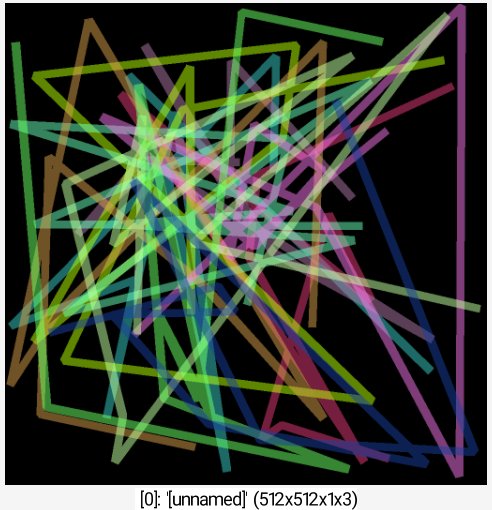
1024,1024,1,3 10,1,1,2 repeat 10 { rand. 0,1023 thickpolyline.. .,18,0,0.5,${-RGB} } rm. rs 50%