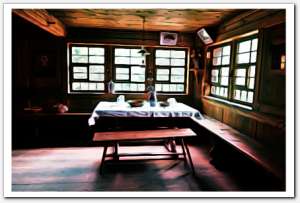
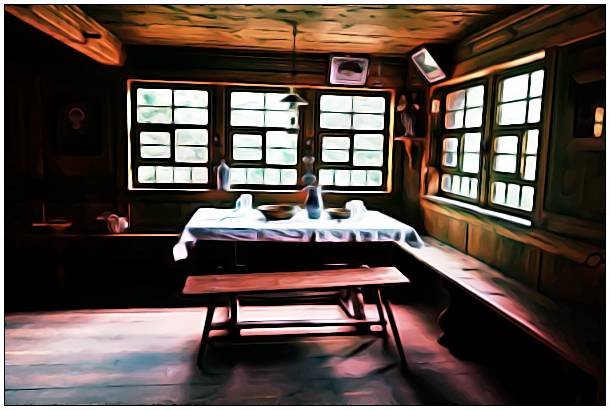
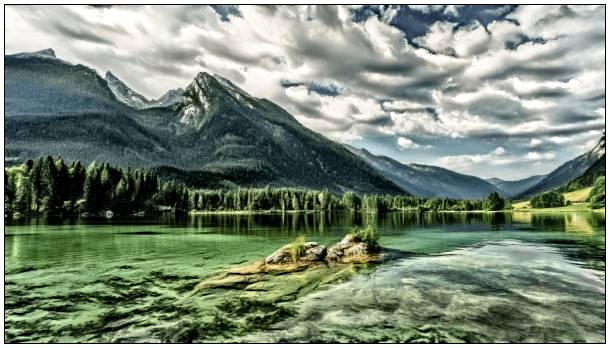
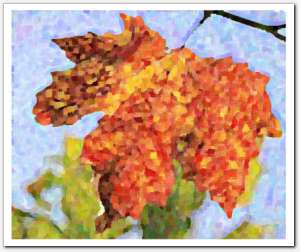
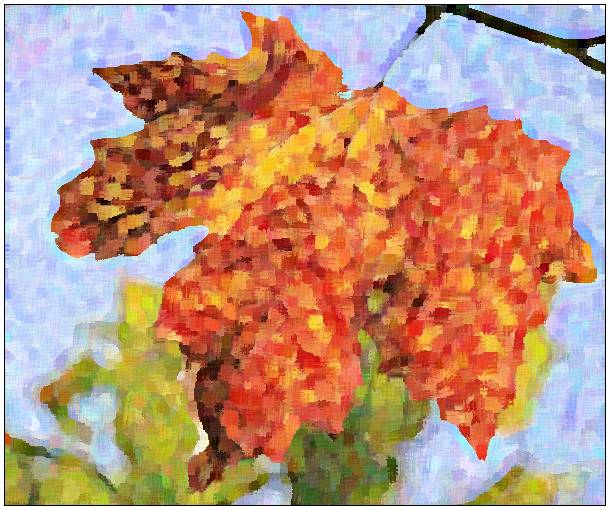
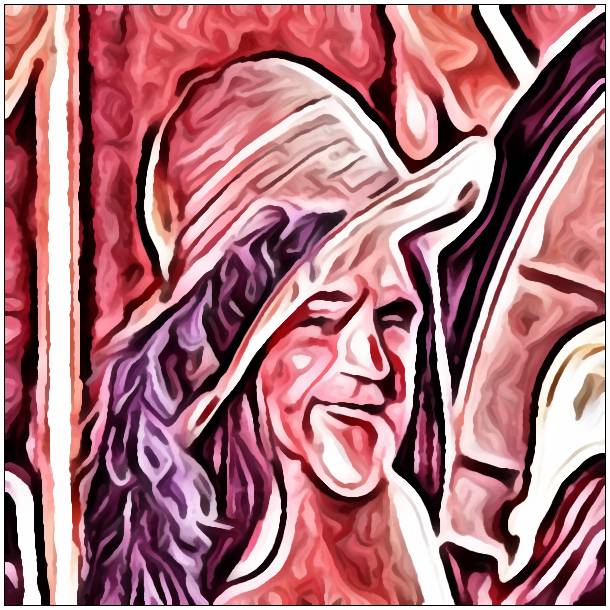
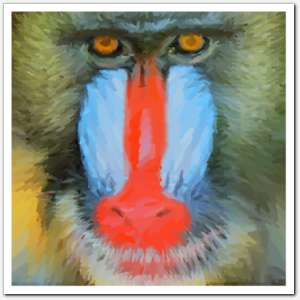
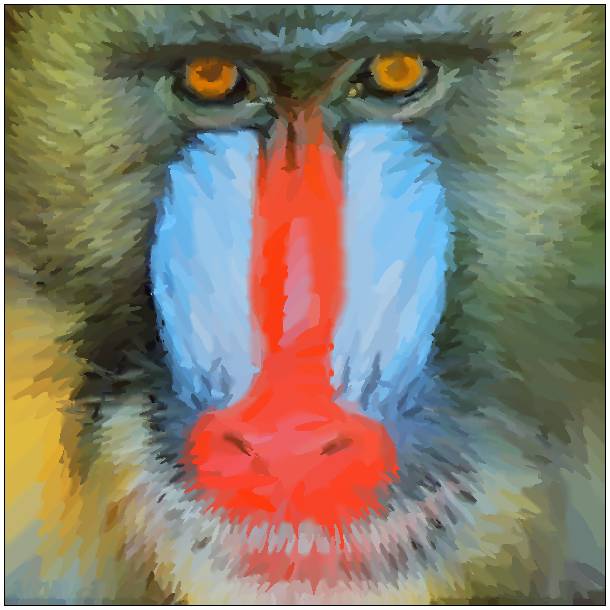
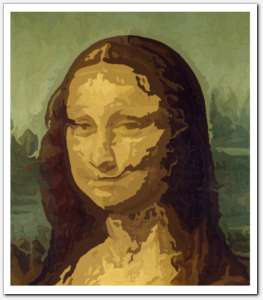
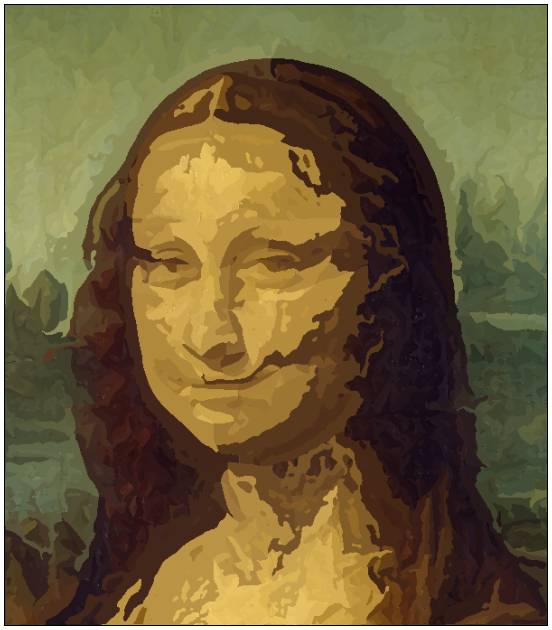
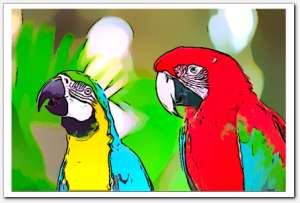
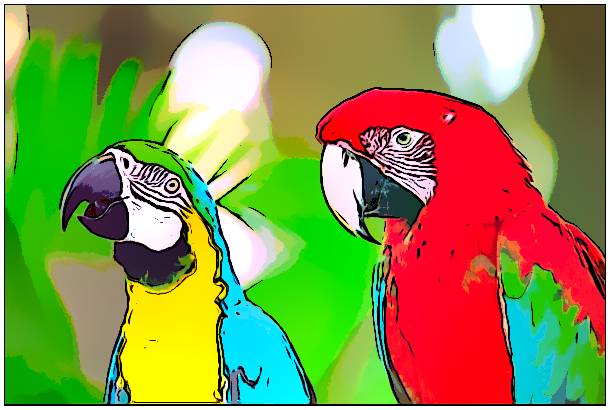
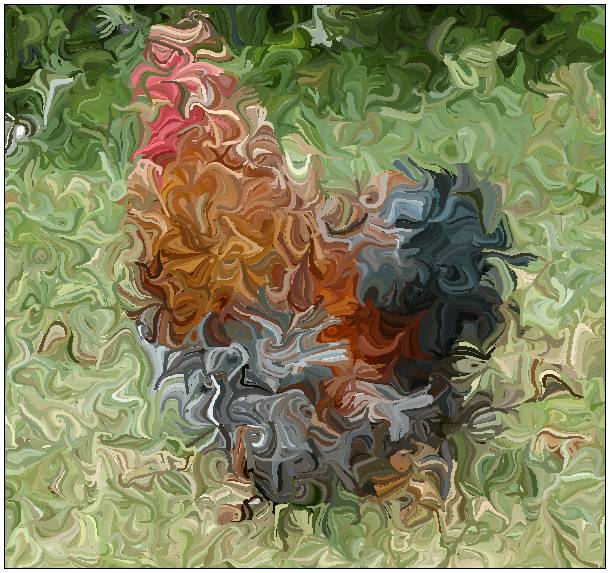
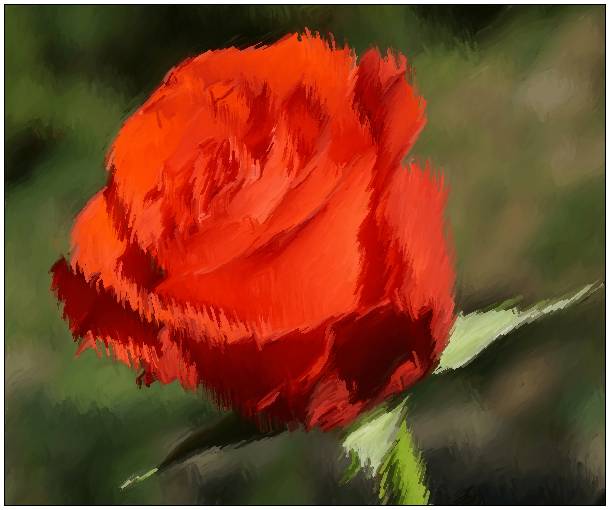
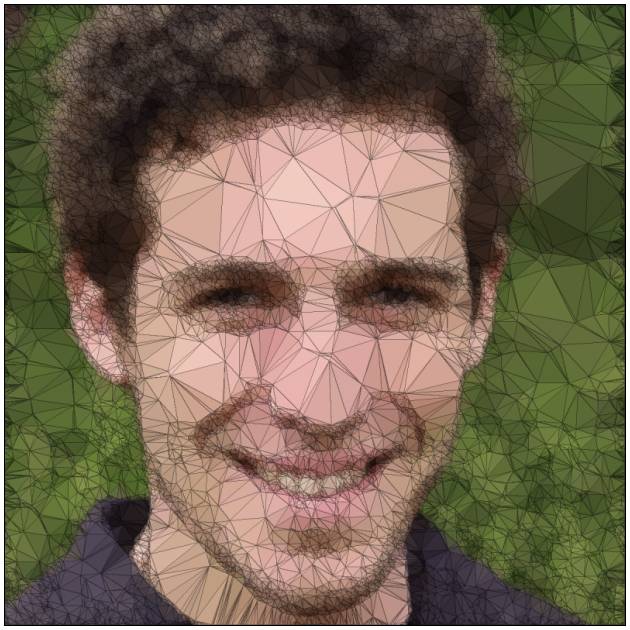
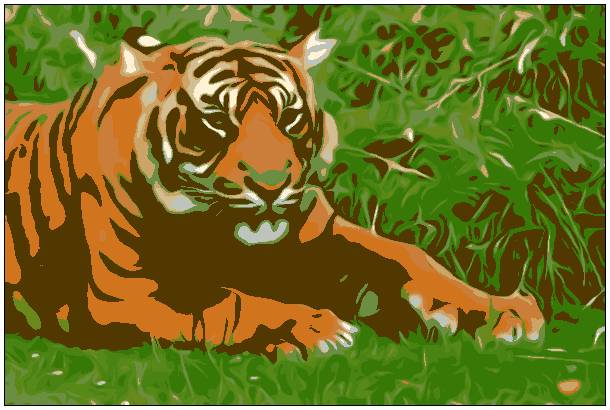
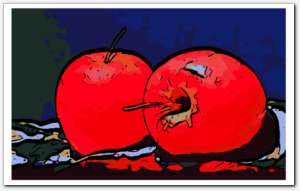
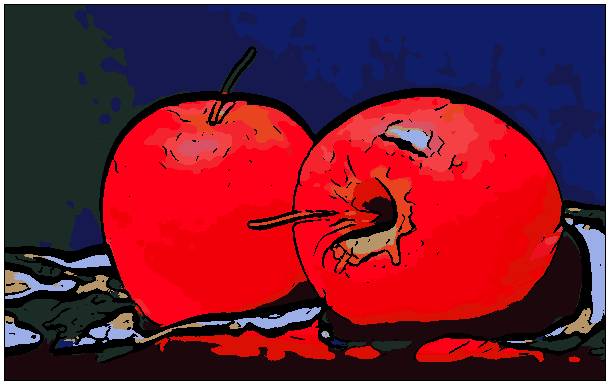
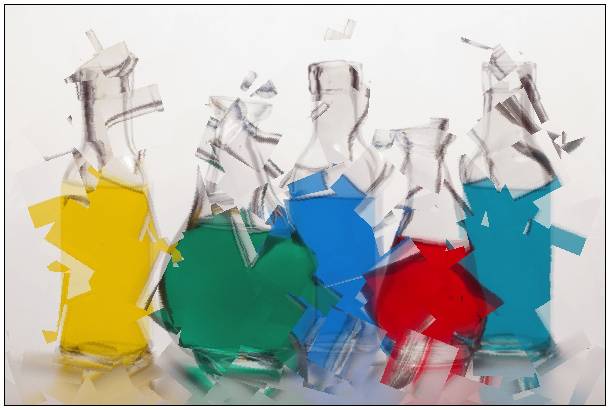
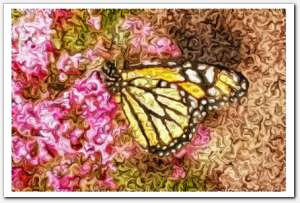
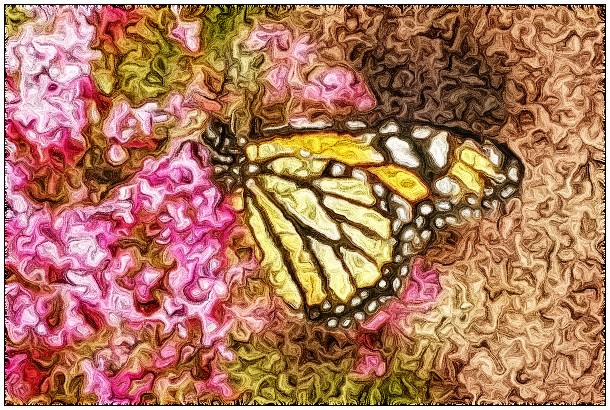
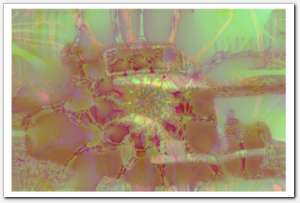
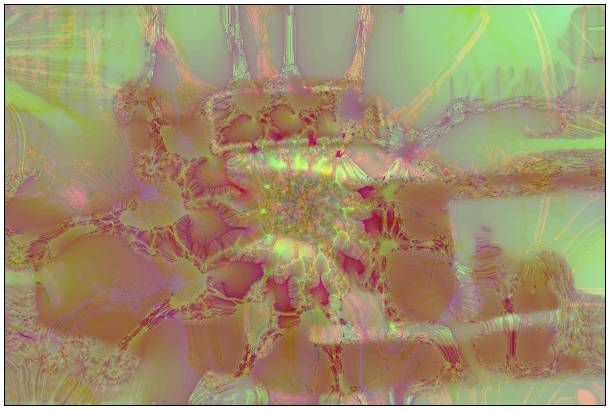
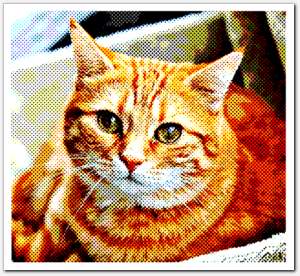
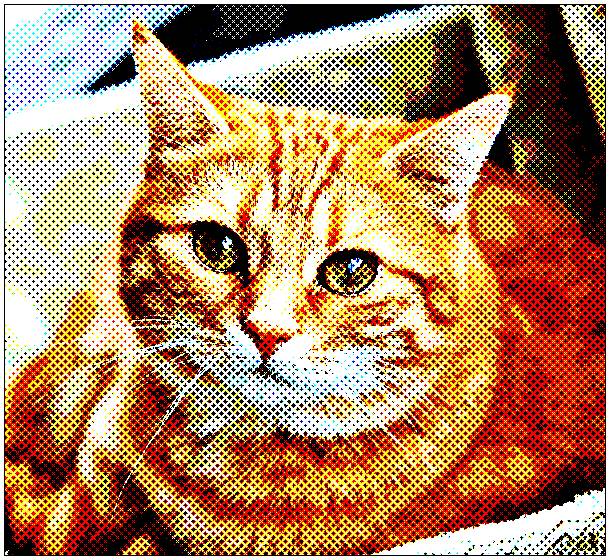
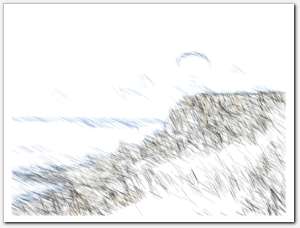
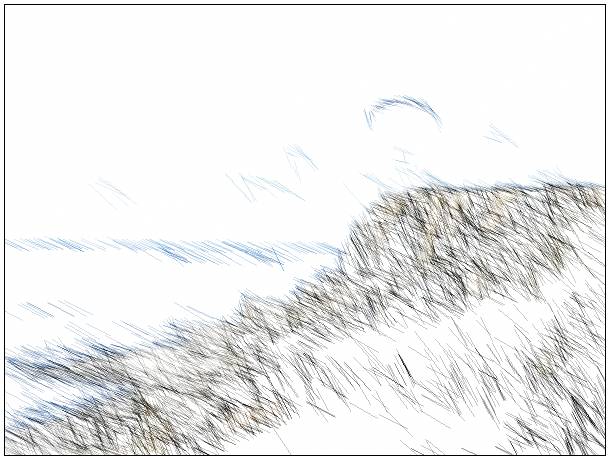
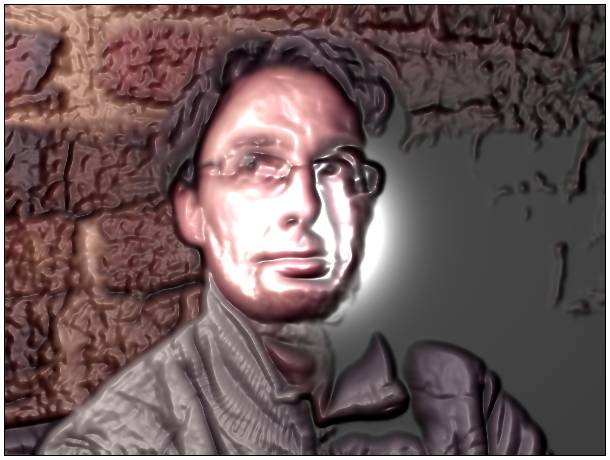
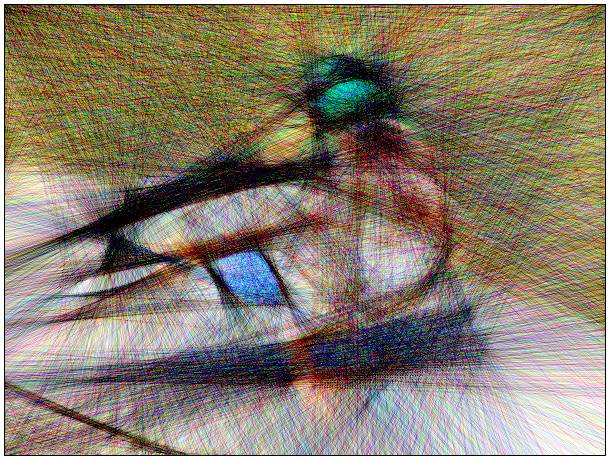
This gallery gives a quick overview of the kind of features and generic filters available in the G'MIC open-source image processing framework.
All the images below have been processed by the command-line interface gmic of G'MIC, from a set of initial 2D color images.
Click on an image to enlarge it and display the G'MIC command-line used for the processing (note: to reproduce this, you may have to escape some characters, depending on the shell you use!).
Remember, G'MIC lets you define your own image pipelines through custom command files.
Your custom filters can be easily added afterwards in the plug-in for GIMP or Krita.
For more details, visit the tutorial pages as well as the technical reference to get a full documentation on this software.
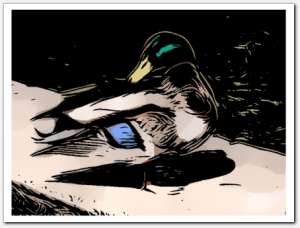
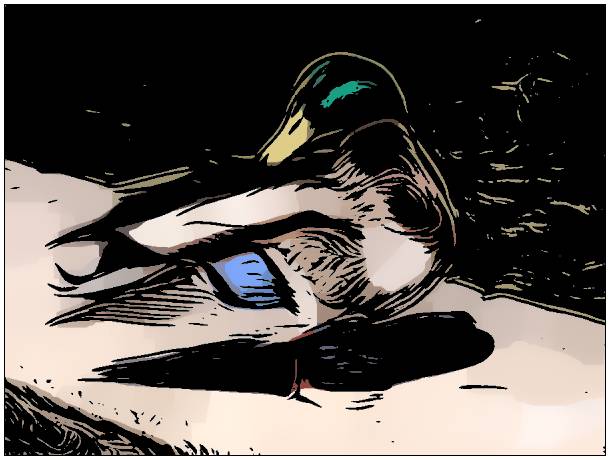
Marker drawing
Command:
$ gmic duck.png fx_marker_drawing 70,4,10,15,100,85,0.5,3,3,1,20,255,255,255,255 (generated in 0.04s)
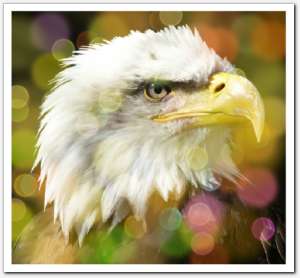
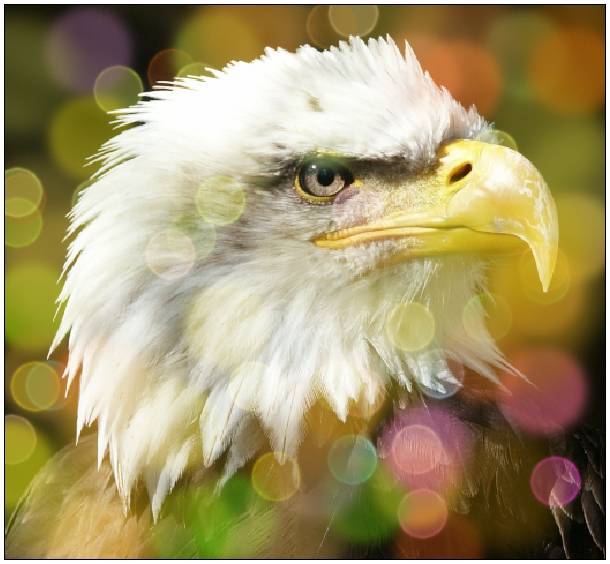
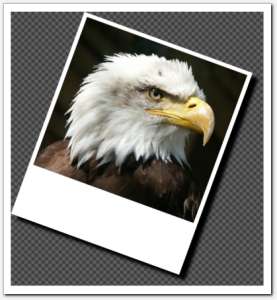
Engrave
Command:
$ gmic eagle.png fx_engrave 0.5,4,0,7.68,15.2,0,0,1,10,1,0,0,0,1,0 gui_merge_layers (generated in 0.66s)
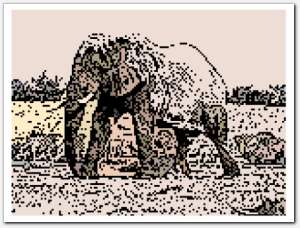
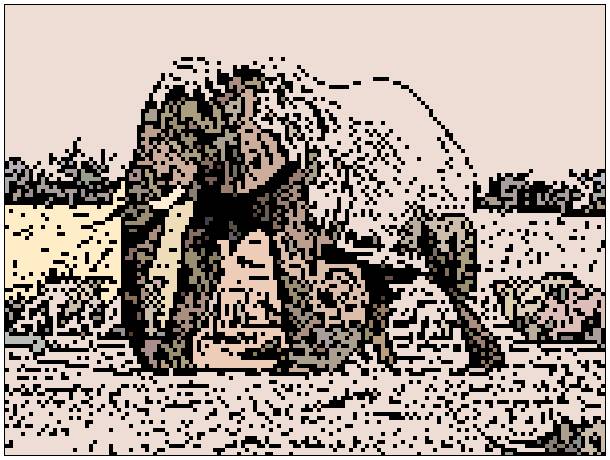
Bokeh
Command:
$ gmic elephant.png fx_bokeh 3,8,0,30,8,4,0.3,0.2,210,210,80,160,0.7,30,20,20,1,2,170,130,20,110,0.15,0 (generated in 0.02s)
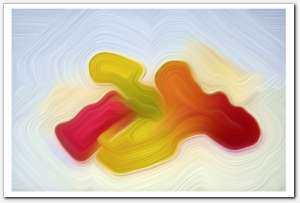
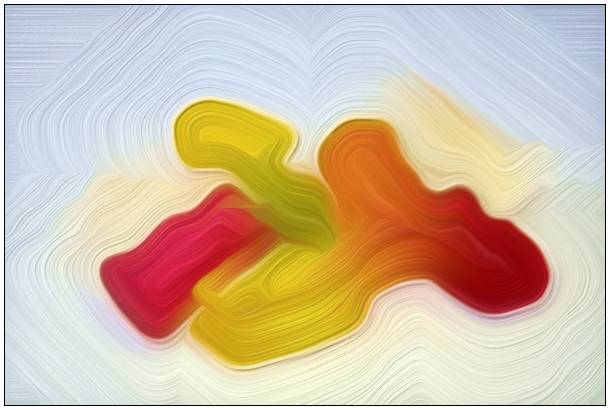
Felt pen
Command:
$ gmic gummy.png fx_feltpen 300,50,1,0.1,20,5,0 (generated in 0.04s)
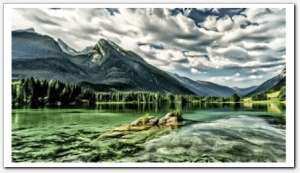
Novel FX
Command:
$ gmic landscape.png fx_graphic_novelfxl 0,2,6,5,20,0,0.62,14,0,1,0.5,0.78,1.92,0,0,0,1,1,1,0.5,0.8,1.28 (generated in 0.15s)
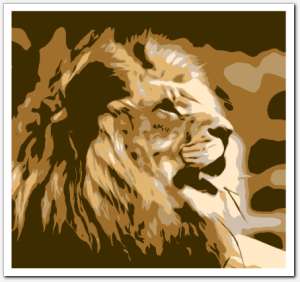
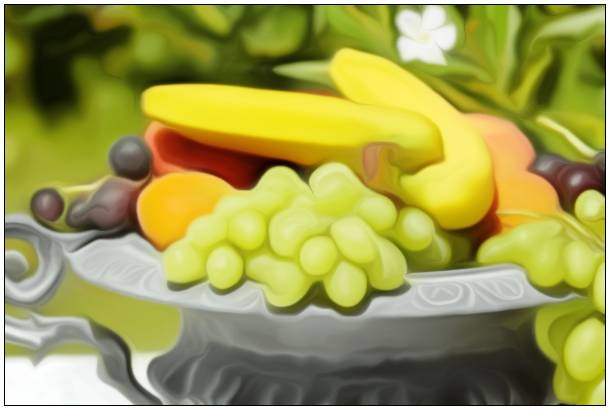
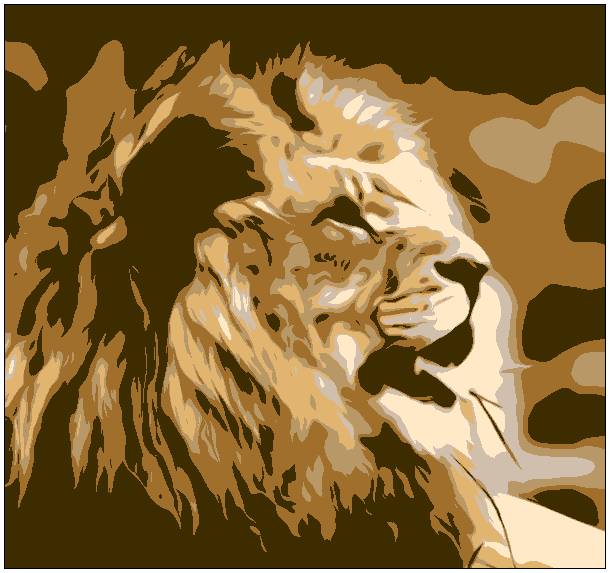
Painting
Command:
$ gmic lion.png fx_painting 5,2.5,1.5,50,1,0 (generated in 0.87s)

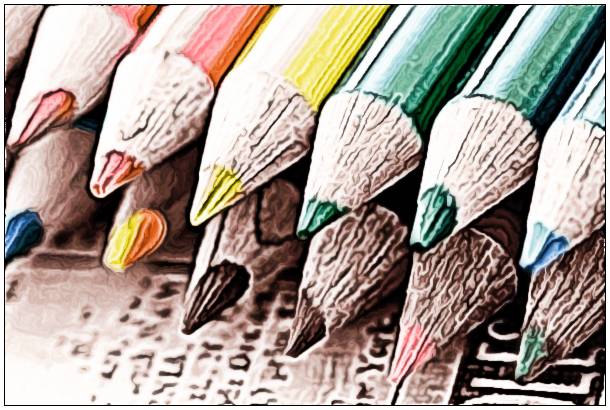
Comic Book
Command:
$ gmic pencils.png cl_comic 0,2,0,1,1,15,15,1,10,20,6,2,0,0,0,0,0,0,50,50 (generated in 0.84s)
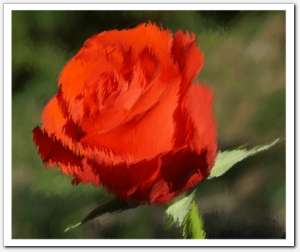
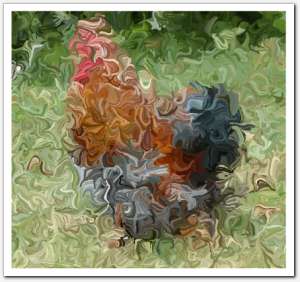
Whirls
Command:
$ gmic rose.png fx_paint_with_brush 6,"6",1,16,30,100,100,0,95,0.5,8,-1,-1,2,2,30,0,0,0,100,20,1,0,0,0,30,0,0,0,0,0,0,1,45,0,0,50,50 (generated in 0.6s)

Fuzzy Painting
Command:
$ gmic square.png fx_paint_with_brush 5,"5",0,16,10,100,100,10,80,0.5,3,135,50,6,1,20,0,0,0,90,3,10,0,0,0,30,0,15,15,15,15,15,1,45,0,0,50,50 (generated in 0.21s)
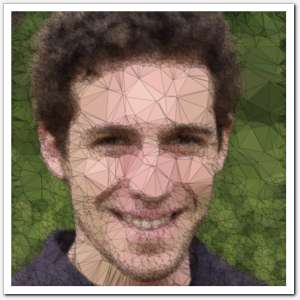
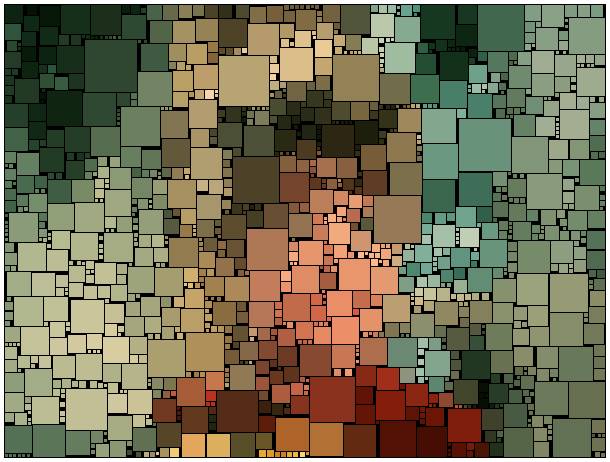
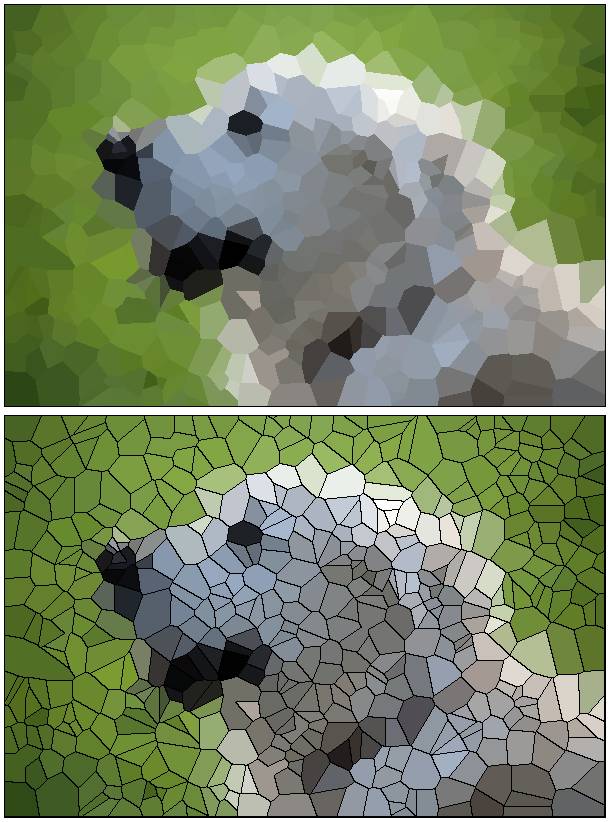
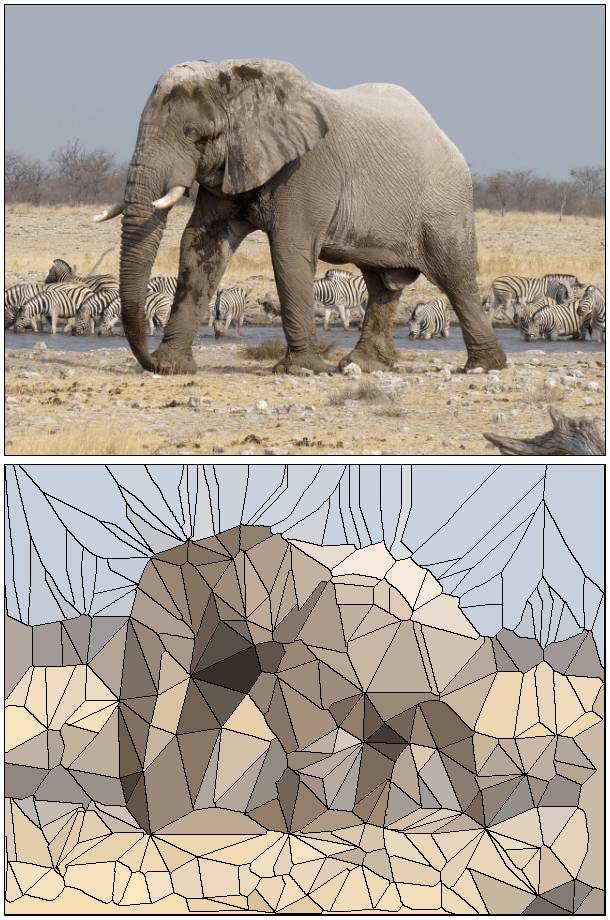
Polygonize
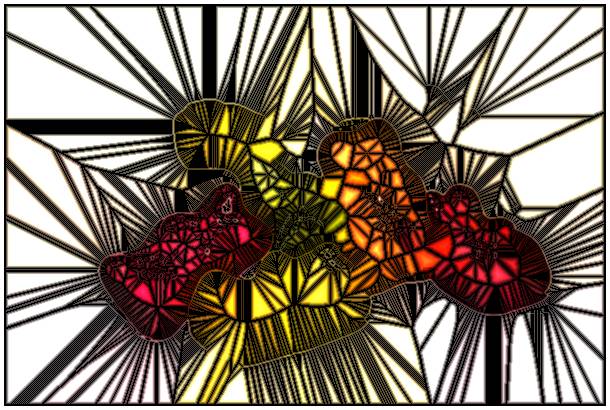
Command: $ gmic sample portrait4 blur 1 fx_polygonize_delaunay 40,5,75,0.5,3,50,0,0,0,255,1,0,50,50
(generated in 0.77s)

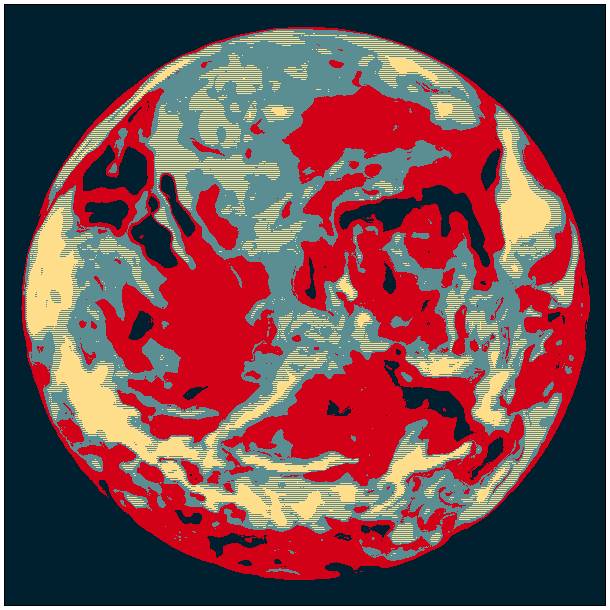
Posterize
Command:
$ gmic tiger.png fx_posterize 150,30,1,12,0,0,0,0,50,50 (generated in 0.24s)
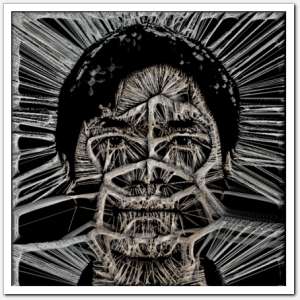
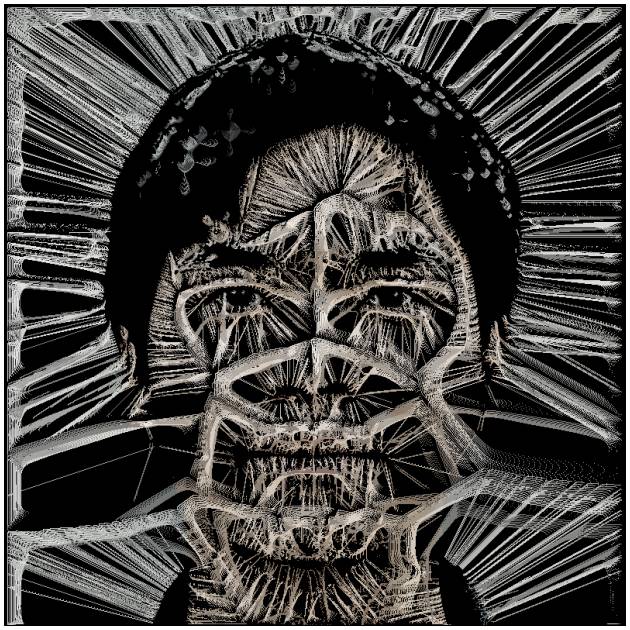
Skeletik
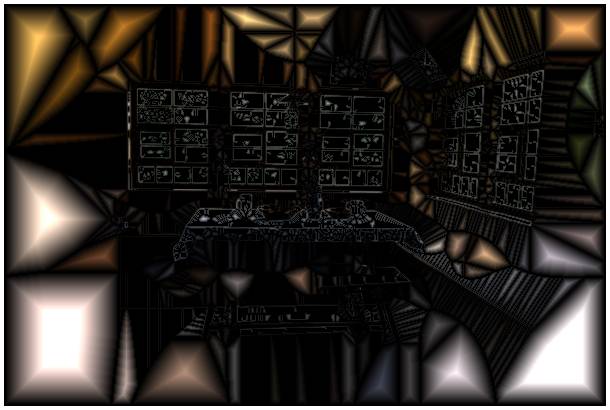
Command: $ gmic sample portrait2 samj_Test_Skeletik 10,1,0,0,0,3,1,0,0,0,255
(generated in 0.91s)
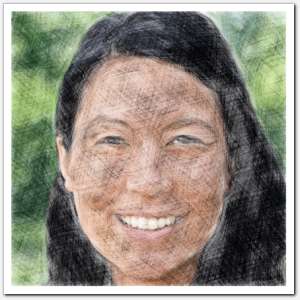
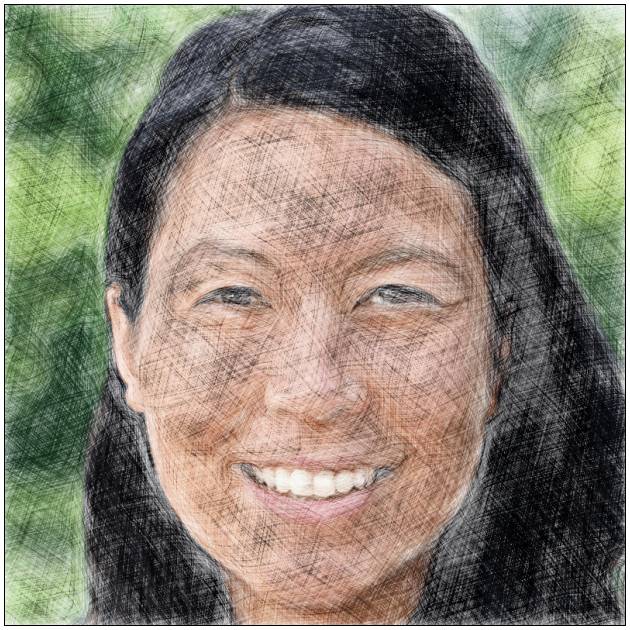
Sketch
Command: $ gmic sample portrait6 fx_sketchbw 3,45,180,30,1.75,0.02,0.5,0.75,0.1,0.7,3,6,0,1,4,0,0,50,50
(generated in 0.2s)
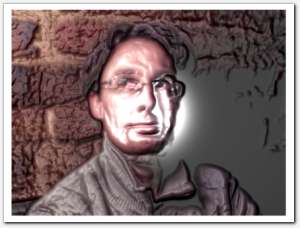
sketchbw
Command:
$ gmic david.png +sketchbw 1 reverse blur[-1] 3 blend[-2,-1] overlay(generated in 0.07s)
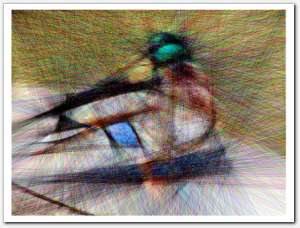
mosaic
Command:
$ gmic duck.png mosaic , +fill "I!=J(1) || I!=J(0,1)?[0,0,0]:I"(generated in 0.09s)
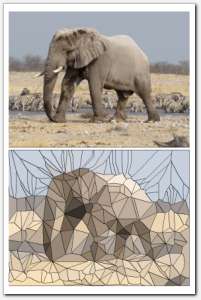
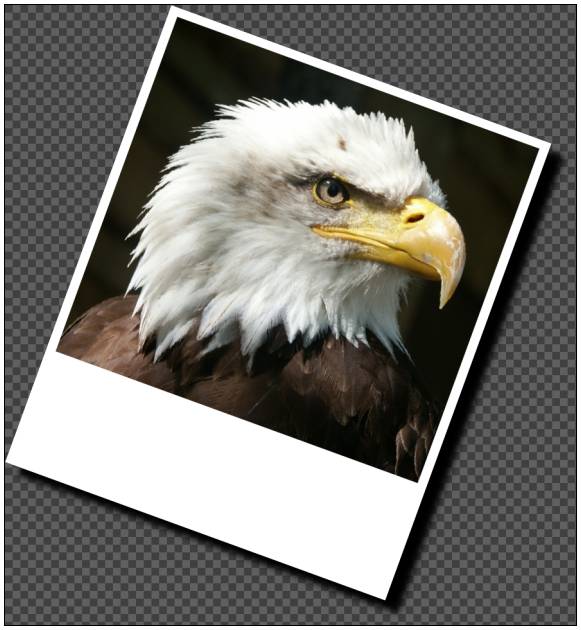
polaroid
Command:
$ gmic elephant.png to_rgba polaroid 5,30 rotate 20 drop_shadow , drgba(generated in 0.08s)
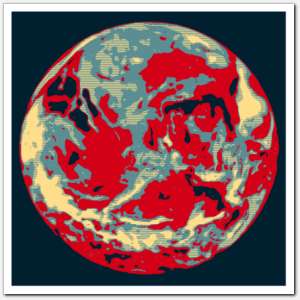
polygonize
Command:
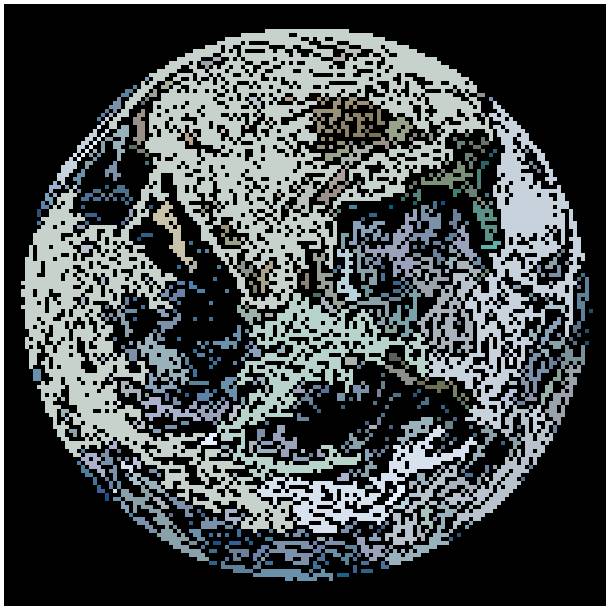
$ gmic earth.png +polygonize 100,10 fill[-1] "I!=J(1) || I!=J(0,1)?[0,0,0]:I"(generated in 0.12s)
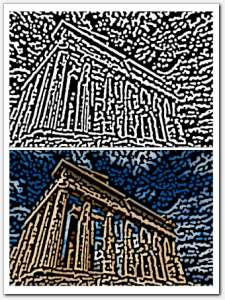
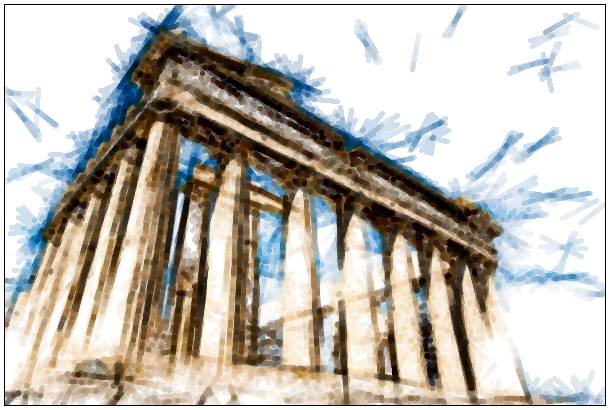
rodilius [2/2]
Command:
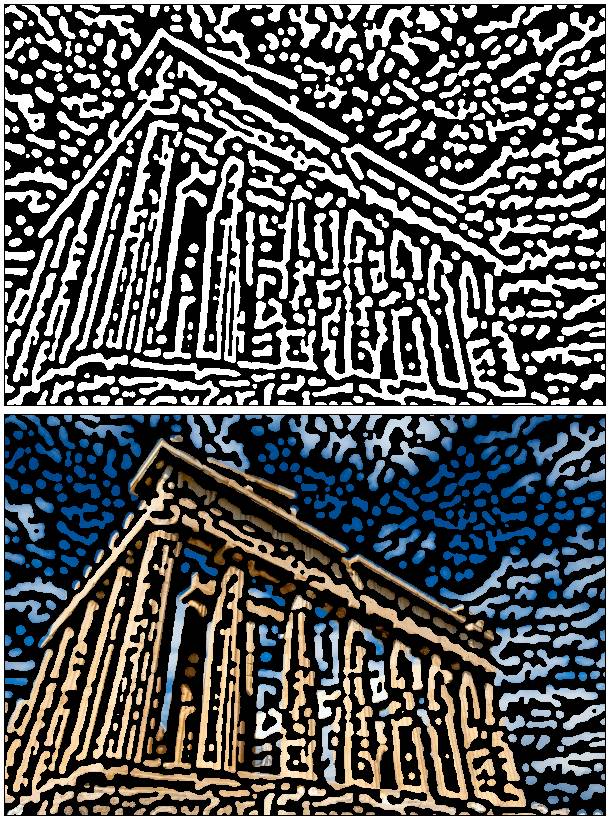
$ gmic greece.png normalize_local 10,16 rodilius 10,4,400,16 smooth 60,0,1,1,4 normalize_local 10,16(generated in 1.79s)
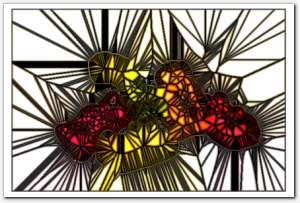
stencil
Command:
$ gmic gummy.png +norm stencil. 2,1,4 +mul rm[0](generated in 0.02s)


 Home
Home Download
 News
News Mastodon
 Bluesky
 X
X Summary - 18 Years
 Summary - 17 Years
 Summary - 16 Years
 Summary - 15 Years
 Summary - 13 Years
 Summary - 11 Years
 Summary - 10 Years
 Resources
 Technical Reference
 Scripting Tutorial
 Video Tutorials
 Wiki Pages
 Image Gallery
 Color Presets
 Using libgmic
 G'MIC Online
 Community
 Discussion Forum (Pixls.us)
 GimpChat
 IRC
IRC Report Issue