
 Home
Home Download
 News
News Mastodon
 Bluesky
 X
X Summary - 18 Years
 Summary - 17 Years
 Summary - 16 Years
 Summary - 15 Years
 Summary - 13 Years
 Summary - 11 Years
 Summary - 10 Years
 Resources
 Technical Reference
 Scripting Tutorial
 Video Tutorials
 Wiki Pages
 Image Gallery
 Color Presets
 Using libgmic
 G'MIC Online
 Community
 Discussion Forum (Pixls.us)
 GimpChat
 IRC
IRC Report Issue
| Table of Contents ▸ List of Commands ▸ Geometry Manipulation ▸ arrange | ◀ apply_scales | autocrop ▶ |
arrange
Arguments:
- _"layout",-1<=_align_or_scale_factor<=1,_output_layers={ 0:Single | 1:Multiple (volumetric) | 2:Multiple (named) },_"processing_command"
Description:
Arrange selected images according to a specified layout, described as a string.layout describes how images are combined together, using the following symbols (case-insensitive):
A number: Refers to one of the selected images, by its index.
? : A random image index.
X : Mirrors what follows horizontally (left-right flip).
Y : Mirrors what follows vertically (top-bottom flip).
R : Rotates what follows by 90 degrees clockwise.
L : Rotates what follows by 90 degrees counter-clockwise.
H : Puts what follows side by side, horizontally (left / right).
V : Puts what follows one above the other, vertically (top / bottom).
B : Same as H or V, but automatically picks whichever gives the most balanced (square-looking) result.
Q : Rotates what follows by a random multiple of 90 degrees.
F : Flips what follows randomly, along the x-axis or the y-axis.
M : Merges what follows randomly, either horizontally or vertically.
Any other character (e.g. ; or :) can be used as a separator between two numbers to avoid ambiguity (e.g. to distinguish images 0 and 1 from a single image 01).
Images get combined together two by two. For instance:
"H0:1" puts images 0 and 1 side by side.
"V0:1" stacks images 0 and 1 on top of each other.
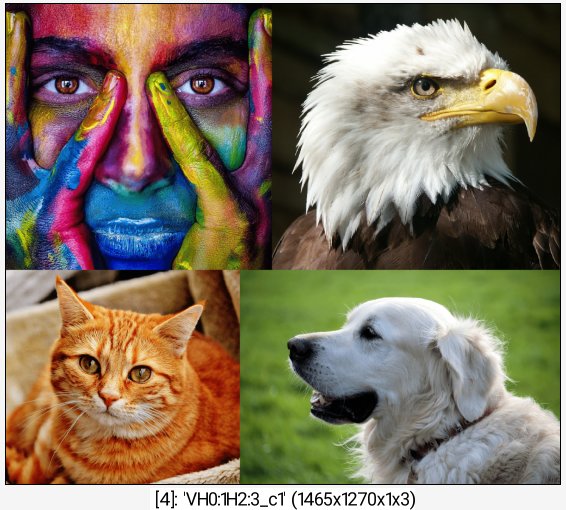
"VH0:1H2:3" first forms two horizontal pairs (0,1) and (2,3), then stack those two pairs vertically, resulting in a 2x2 grid.
"H0R1" puts image 0 next to image 1 rotated 90 degrees clockwise.
Four predefined shortcuts are also available for layout, to quickly arrange all selected images at once without having to spell out a full layout string:
"H" : Concatenates all selected images horizontally, in order.
"V" : Concatenates all selected images vertically, in order.
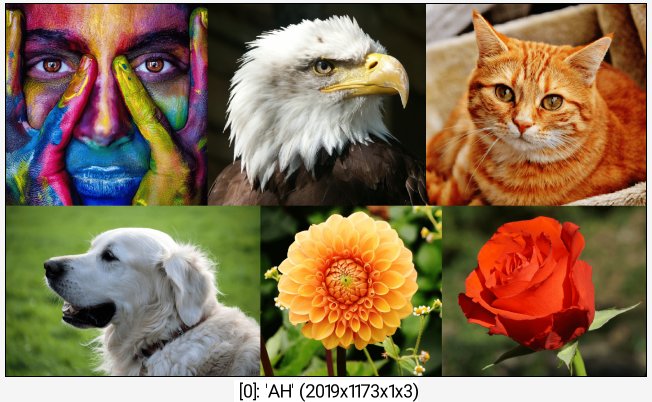
"AH" : Automatically arranges all images into a grid, with a number of columns greater than or equal to the number of rows.
"AV" : Does the same as AH, but with a number of rows greater than or equal to the number of columns.
align_or_scale_factor controls how images of different sizes are combined together:
When positive, images get resized to a common size: 0 shrinks to the smallest size involved, 1 grows to the largest, and intermediate values interpolate between both.
When negative, images keep their original size instead, and are simply placed next to each other. Its absolute value then sets the alignment between images of different sizes (0: top-left, 0.5:centered, 1:bottom-right).
output_layers sets whether the result is a single, flattened image (Single), or a single volumetric image whose slices are the individual, resized and positioned images (Multiple), each one exactly as it would appear in the final composition.
processing_command is an optional G'MIC command (or pipeline of commands) applied to each image individually, just after it has been resized and right before it gets placed into the composition (e.g. to add a colored border, apply a filter, etc.).
Default values:
layout=AH, align_or_scale_factor=0.5, output_layers=0 and processing_command="".
Examples of use:
• Example #1
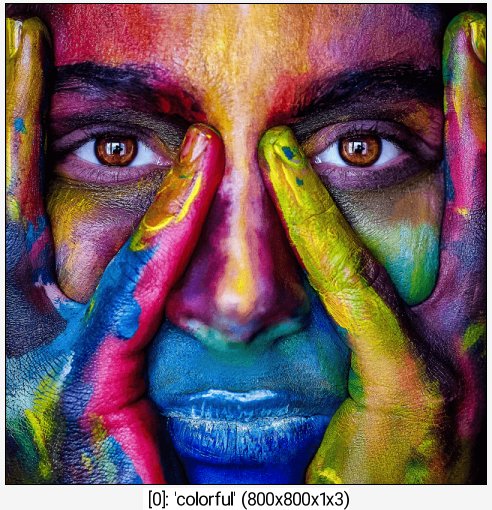
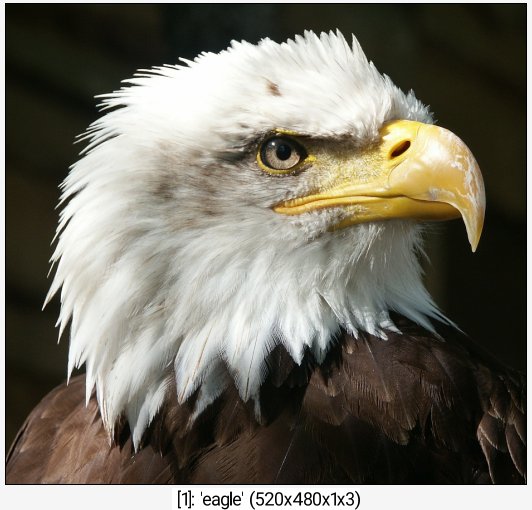
sample colorful,eagle,cat,dog +arrange "VH0:1H2:3"
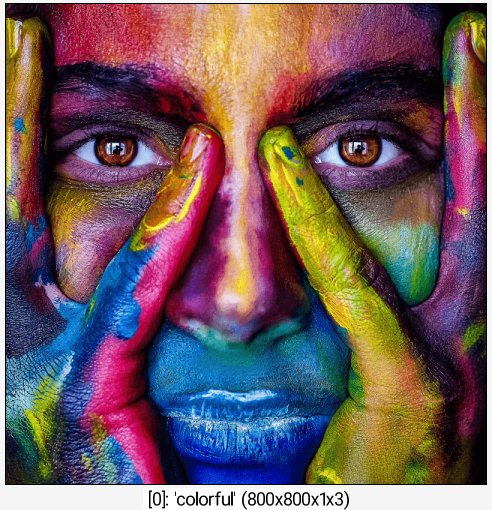
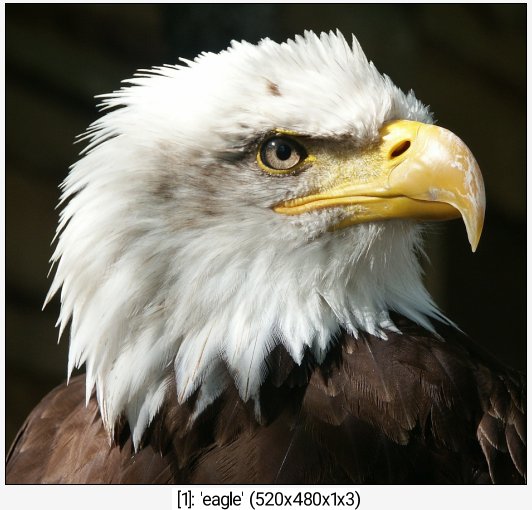
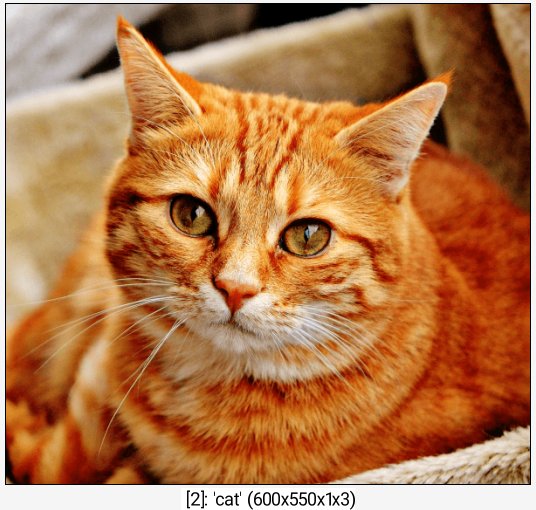
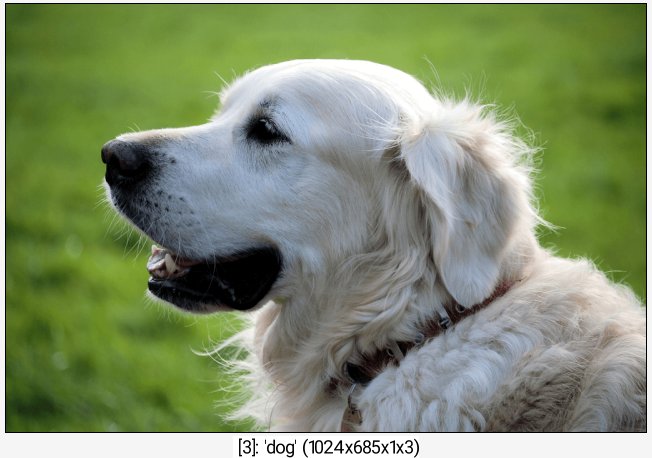
• Example #2
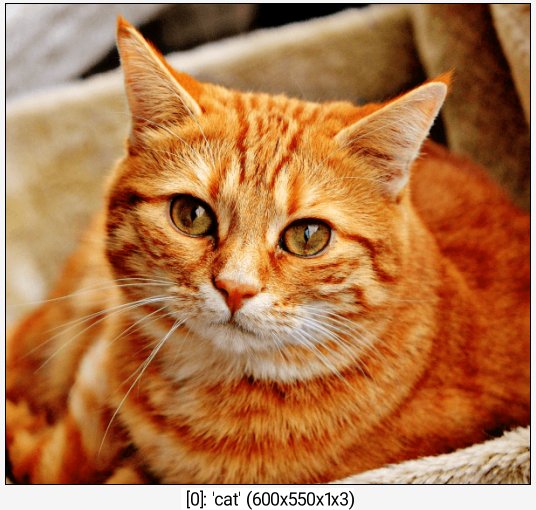
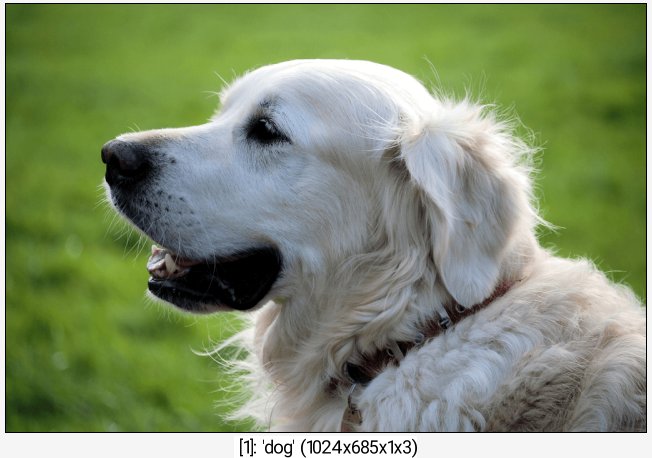
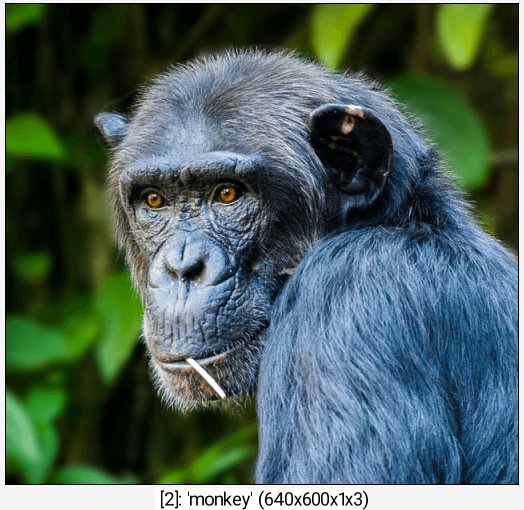
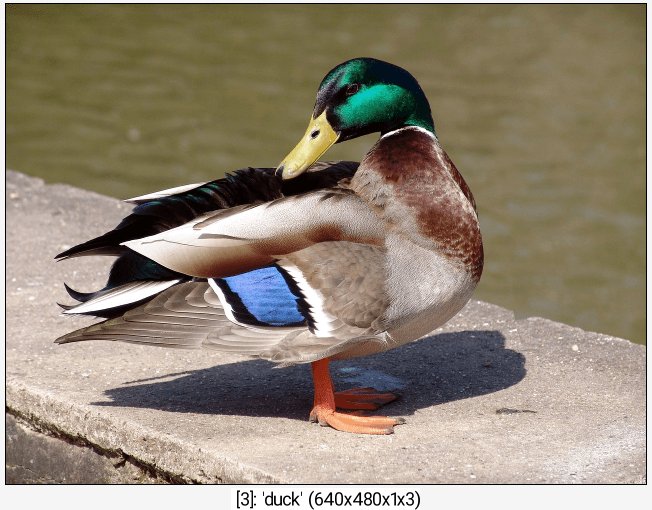
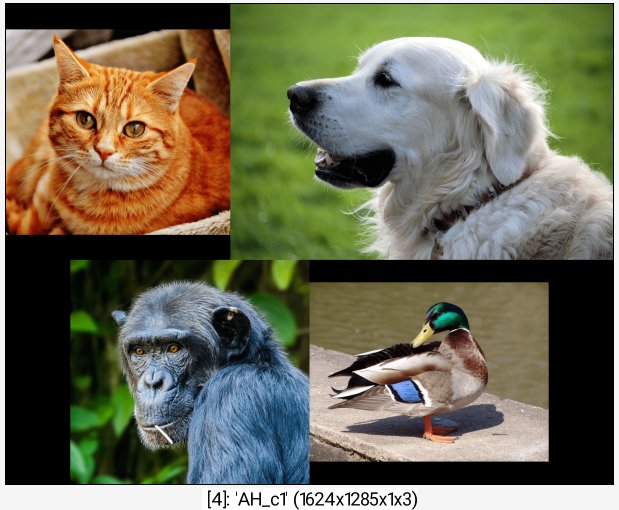
sample cat,dog,monkey,duck +arrange AH,-0.5
• Example #3
sample colorful,eagle,cat,dog,flower,rose arrange AH
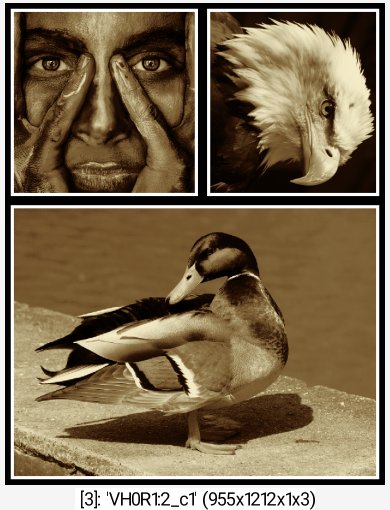
• Example #4
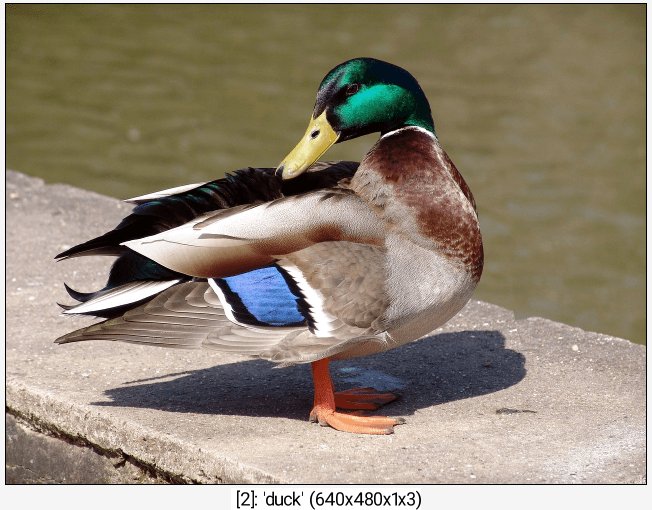
sample colorful,eagle,duck +arrange VH0R1:2,,,"sepia shrink xy,20 frame xy,8,255 frame xy,12,0"