

 Home
Home Download
 News
News Mastodon
 Bluesky
 X
X Summary - 18 Years
 Summary - 17 Years
 Summary - 16 Years
 Summary - 15 Years
 Summary - 13 Years
 Summary - 11 Years
 Summary - 10 Years
 Resources
 Technical Reference
 Scripting Tutorial
 Video Tutorials
 Wiki Pages
 Image Gallery
 Color Presets
 Using libgmic
 G'MIC Online
 Community
 Discussion Forum (Pixls.us)
 GimpChat
 IRC
IRC Report Issue
| Table of Contents ▸ List of Commands ▸ Mathematical Operators ▸ add | ◀ acosh | and ▶ |
add | Built-in command |
Arguments:
- value[%] or
- [image] or
- 'formula' or
- (no arg)
Description:
Add specified value, image or mathematical expression to selected images, or compute the pointwise sum of selected images.(equivalent to shortcut command +).
Examples of use:
• Example #1
image.jpg +add 30% cut 0,255
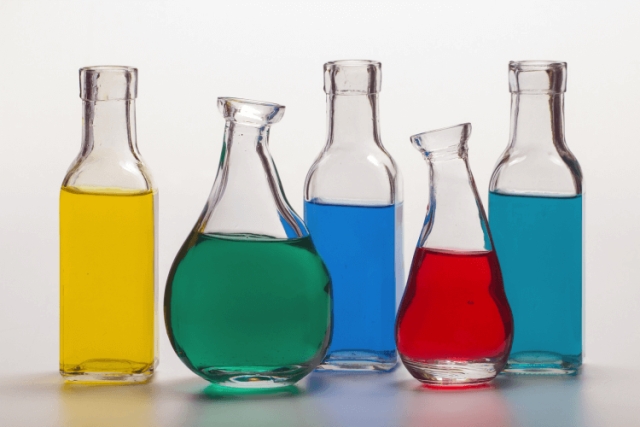
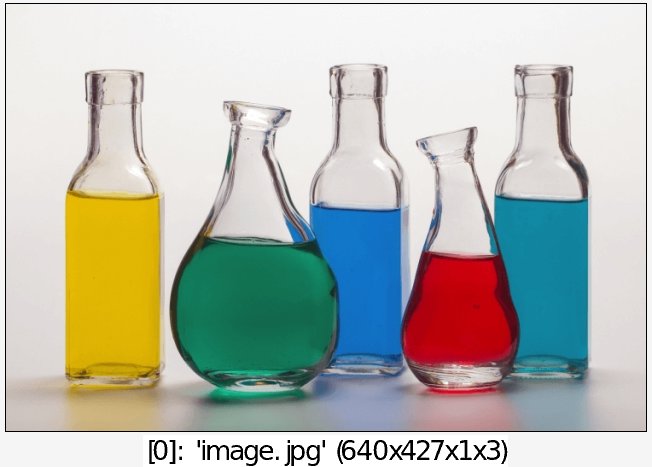
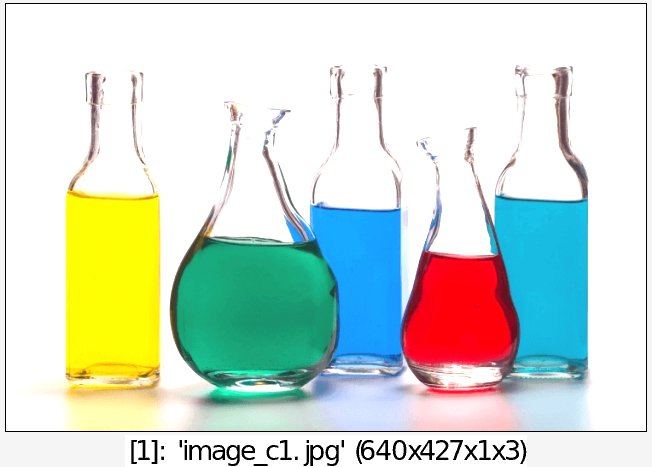
• Example #2
image.jpg +blur 5 normalize 0,255 add[1] [0]
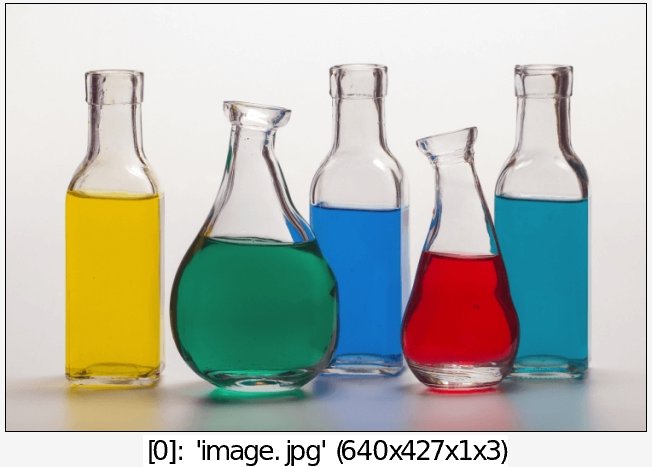

• Example #3
image.jpg add '80*cos(80*(x/w-0.5)*(y/w-0.5)+c)' cut 0,255
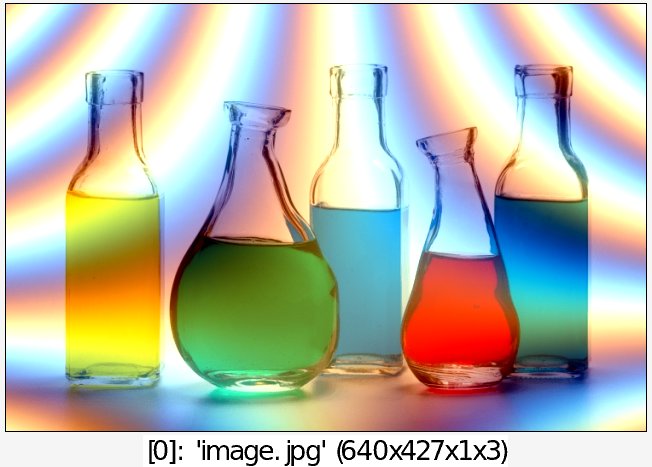
• Example #4
image.jpg repeat 9 { +rotate[0] {$>*36},1,0,50%,50% } add div 10
