

 Home
 Download
 News
 Mastodon
 Bluesky
 X
 Summary - 18 Years
 Summary - 17 Years
 Summary - 16 Years
 Summary - 15 Years
 Summary - 13 Years
 Summary - 11 Years
 Summary - 10 Years
 Resources
 Technical Reference
 Scripting Tutorial
 Video Tutorials
 Wiki Pages
 Image Gallery
 Color Presets
 Using libgmic
 G'MIC Online
 Community
 Discussion Forum (Pixls.us)
 GimpChat
 IRC
 Report Issue
The interesting part is its pattern argument. Unlike a simple solid-color drawing command, line lets you control the appearance of the stroke using a hexadecimal pattern value.
Let's go through the syntax, understand the pattern and color arguments, and then look at 15 practical examples.
Understanding the line command
The official G'MIC syntax is:line x0,y0,x1,y1,opacity,pattern,color1,...
More formally:
x0[%],y0[%],x1[%],y1[%],_opacity,_pattern,_color1,...
| Argument | Description | Default |
| x0 | Starting X coordinate | Required |
| y0 | Starting Y coordinate | Required |
| x1 | Ending X coordinate | Required |
| y1 | Ending Y coordinate | Required |
| opacity | Line opacity (0–1) | 1 |
| pattern | Hexadecimal stroke pattern | Undefined |
| color1,... | Color channel values | 0 |
Coordinates can be specified in pixels or percentages.
For example:
line 0,0,500,300,1,255,0,0
Draws a red line from (0,0) to (500,300) on an RGB image.

Understanding the pattern argument
This is where things get interesting.The pattern argument accepts a hexadecimal number beginning with 0x.
For example:
0xFFFFFFFF
0xCCCCCCCC
0xAAAAAAAA
0xF0F0F0F0
0xFF00FF00
0xCCCCCCCC
0xAAAAAAAA
0xF0F0F0F0
0xFF00FF00
Think of the pattern as a repeating binary mask that controls which parts of the stroke are drawn.
1 bits represent enabled portions.
0 bits represent disabled portions.
A few useful patterns to experiment with:
| Pattern | Hexadecimal value | Intended use |
| Solid | 0xFFFFFFFF | Continuous stroke |
| Alternating | 0xAAAAAAAA | Repeating on/off pattern |
| Alternating blocks | 0xCCCCCCCC | Dash-like pattern |
| Longer blocks | 0xF0F0F0F0 | Longer dash/gap pattern |
| Half blocks | 0xFF00FF00 | Longer continuous/gap sections |
These are useful bit-mask patterns to experiment with.
A useful distinction: pattern controls the stroke pattern, whereas opacity controls the transparency of the entire drawing.
You can combine both.
Understanding the color argument
G'MIC uses channel values to specify colors.The number of color arguments depends on the image's color format.
| Image format | Color arguments | Example |
| Grayscale | 1 | 128 |
| RGB | 3 | 255,0,0 |
| RGBA | 4 | 255,0,0,255 |
Some common RGB values:
| Color | G'MIC arguments |
| Red | 255,0,0 |
| Green | 0,255,0 |
| Blue | 0,0,255 |
| Yellow | 255,255,0 |
| Cyan | 0,255,255 |
| Magenta | 255,0,255 |
| White | 255,255,255 |
| Black | 0,0,0 |
| Orange | 255,128,0 |
| Purple | 128,0,255 |
For example:
line 0,100,500,100,1,0xFFFFFFFF,255,0,0
This draws a solid red line.
You can also omit the pattern argument when specifying a color:
line 0,100,500,100,1,255,0,0
Here, G'MIC uses the default pattern.
Ten practical examples of the line command
For these examples, assume you're working with a 640 × 400 RGB image.You can create a blank canvas using:
640,400,1,3,255
Each example below can be executed after creating the canvas.
Example 1: Simple solid red line
line 50,50,550,50,1,255,0,0
Solid line
Starting point: (50,50)
Ending point: (550,50)
Opacity: 100%
Color: Red
Pattern: Default
Useful for borders, separators and basic geometric designs.

Example 2: Solid line using an explicit pattern
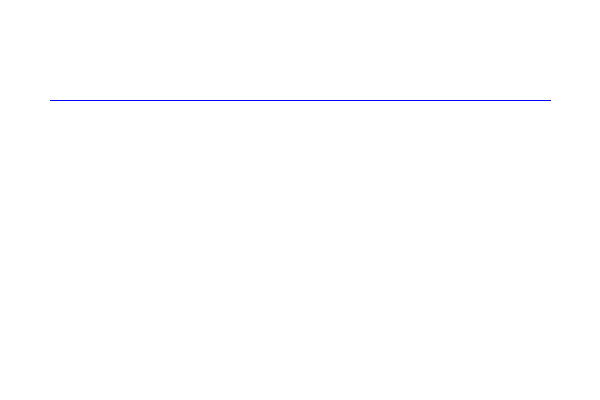
line 50,100,550,100,1,0xFFFFFFFF,0,0,255
Pattern: 0xFFFFFFFF
Color: Blue
Opacity: 100%
The hexadecimal pattern has all bits enabled, making it a useful solid-pattern starting point.
Example 3: Dashed line
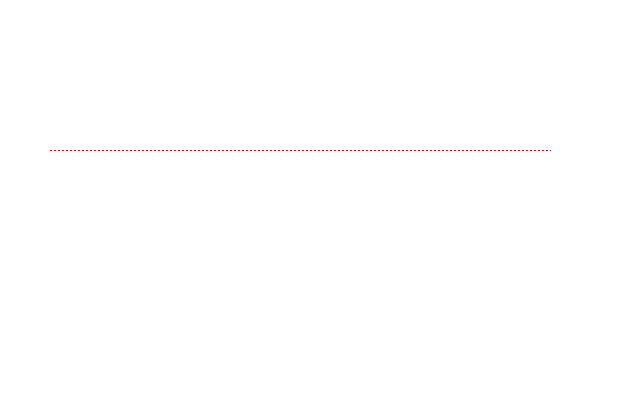
line 50,150,550,150,1,0xCCCCCCCC,255,0,0
Pattern: 0xCCCCCCCC
Color: Red
Opacity: 100%
Useful for dashed borders, guides and technical drawings.
Example 4: Alternating pattern
line 50,200,550,200,1,0xAAAAAAAA,0,255,0
Pattern: 0xAAAAAAAA
Color: Green
Opacity: 100%
This provides a different repeating bit-mask arrangement from the previous example.

Example 5: Longer dash segments
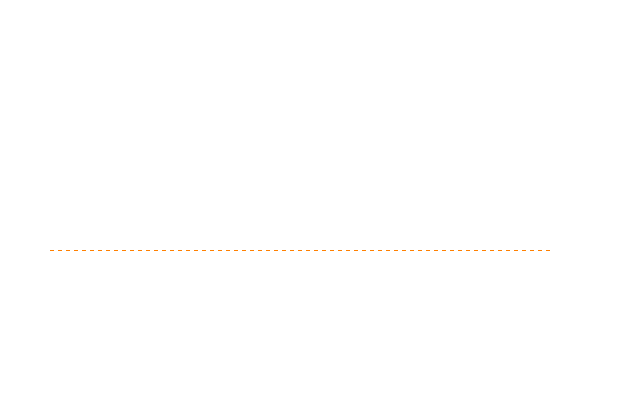
line 50,250,550,250,1,0xF0F0F0F0,255,128,0
Pattern: 0xF0F0F0F0
Color: Orange
Opacity: 100%
Useful for experimenting with longer on/off sections.
Example 6: Semi-transparent line
line 50,300,550,300,0.35,0xFFFFFFFF,255,0,255
Pattern: Solid
Color: Magenta
Opacity: 35%
Useful for overlays, subtle guides and decorative effects.

Example 7: Diagonal line
line 50,50,550,350,1,0xCCCCCCCC,255,255,0
Starting point: Top-left
Ending point: Bottom-right
Pattern: 0xCCCCCCCC
Color: Red
Useful for diagonal textures and cross-hatching experiments.

Example 8: Percentage-based coordinates
line 10%,10%,90%,90%,1,0xFFFFFFFF,255,255,255
Instead of specifying absolute pixel positions, you specify positions relative to the image dimensions.
For a 640 × 400 image:
Starting point: (64,40)
Ending point: (576,360)
This is particularly useful when writing reusable G'MIC scripts that operate on images of different sizes.

Example 9: Multiple colored lines
line 50,50,550,50,1,0xFFFFFFFF,255,0,0
line 50,100,550,100,1,0xFFFFFFFF,0,255,0
line 50,150,550,150,1,0xFFFFFFFF,0,0,255
line 50,200,550,200,1,0xFFFFFFFF,255,255,0
line 50,100,550,100,1,0xFFFFFFFF,0,255,0
line 50,150,550,150,1,0xFFFFFFFF,0,0,255
line 50,200,550,200,1,0xFFFFFFFF,255,255,0
Creates four lines using different RGB colors.
Useful for color charts, pattern libraries and graphic design.

Example 10: Generate randomized decorative lines
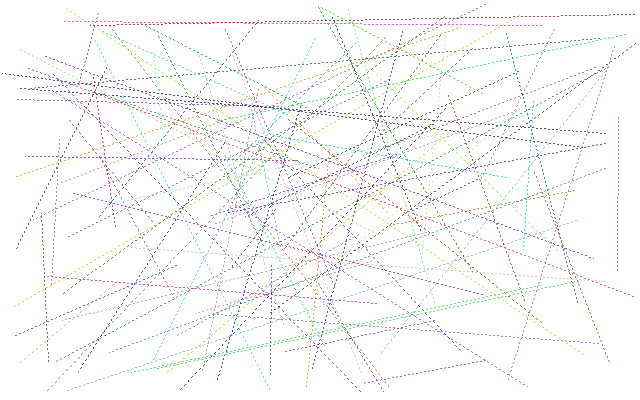
repeat 100
line {u(640)},{u(400)},{u(640)},{u(400)},0.8,0xCCCCCCCC,${-rgb}
done
line {u(640)},{u(400)},{u(640)},{u(400)},0.8,0xCCCCCCCC,${-rgb}
done
This is particularly interesting for generative artwork.
What happens:
repeat 100 generates 100 lines.
u(640) generates random X coordinates.
u(400) generates random Y coordinates.
${-rgb} generates random RGB color values.
0.8 applies 80% opacity.
You can use this approach to generate abstract backgrounds, fabric-print textures and random geometric compositions.
Example 11: Dynamic Math Expressions for Coordinates
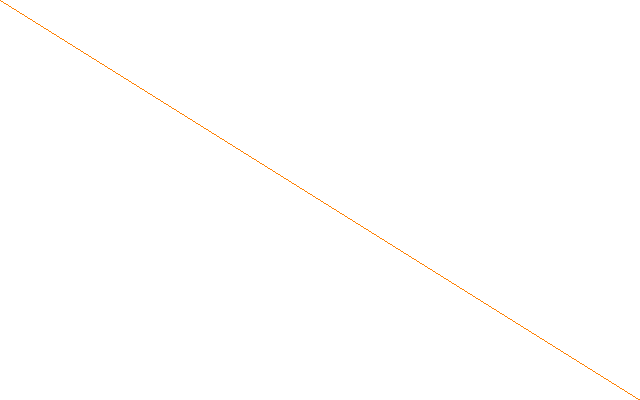
Leverages G'MIC's math parser ({...}) to compute start and end points dynamically relative to image dimensions (w and h).line 0,0,{w},{h},1,0xFFFFFFFF,255,128,0
Example 12: Drawing on an RGBA Multi-Channel Image
Targets a 4-channel RGBA canvas, supplying 4 color arguments (Red, Green, Blue, Alpha) directly to the line command.gmic 400,400,1,4,255 line 100,50,100,350,1,0xFFFFFFFF,100,0,200,200 display

Example 13: Grid Pattern Generation
Uses multiple sequential line instructions to quickly draft a coordinate grid layout.gmic 400,400,1,3,255 line 0,100,400,100,1,0xFFFFFFFF,200,200,200 line 0,200,400,200,1,0xFFFFFFFF,200,200,200 line 0,300,400,300,1,0xFFFFFFFF,200,200,200 display

Example 14: Procedural Starburst via a repeat Loop
Combines a repeat loop with calculated trigonometry to radiate multiple colorful lines outward from the center point.gmic 400,400,1,3,255 repeat 36 line 200,200,{200+150*cos($>*pi/18)},{200+150*sin($>*pi/18)},0.8,0xFFFFFFFF,{u(255)},{u(255)},{u(255)} done display

Example 15: Border Frame Construction
Draws a neat rectangular frame around the inner perimeter of an image using four connected line commands.gmic 400,400,1,3,255 line 20,20,379,20,1,0xFFFFFFFF,0,0,0 line 379,20,379,379,1,0xFFFFFFFF,0,0,0 line 379,379,20,379,1,0xFFFFFFFF,0,0,0 line 20,379,20,20,1,0xFFFFFFFF,0,0,0 display

Important differences between pattern and color
This is the part I'd pay the most attention to when writing reusable G'MIC scripts.Consider:
line 0,100,600,100,1,0xCCCCCCCC,255,0,0
You have three independent controls:
| Parameter | What it changes |
| 1 | Overall opacity |
| 0xCCCCCCCC | Stroke pattern |
| 255,0,0 | Stroke color |
Changing the pattern doesn't change the color. Changing the color doesn't change the pattern.
Can I use more than one color?
Yes. For an RGB image, you can specify three channel values.For example:
# Red
line 0,50,600,50,1,0xFFFFFFFF,255,0,0
# Green
line 0,100,600,100,1,0xFFFFFFFF,0,255,0
# Blue
line 0,150,600,150,1,0xFFFFFFFF,0,0,255
line 0,50,600,50,1,0xFFFFFFFF,255,0,0
# Green
line 0,100,600,100,1,0xFFFFFFFF,0,255,0
# Blue
line 0,150,600,150,1,0xFFFFFFFF,0,0,255
Can I control line thickness?
Not directly with line.G'MIC provides two other commands:
| Command | Purpose |
| line_aa | Antialiased line |
| thickline | Thick line with configurable thickness |
For example:
thickline 50,50,550,350,8,1,255,0,0
This draws an 8-pixel-thick red line.

References:
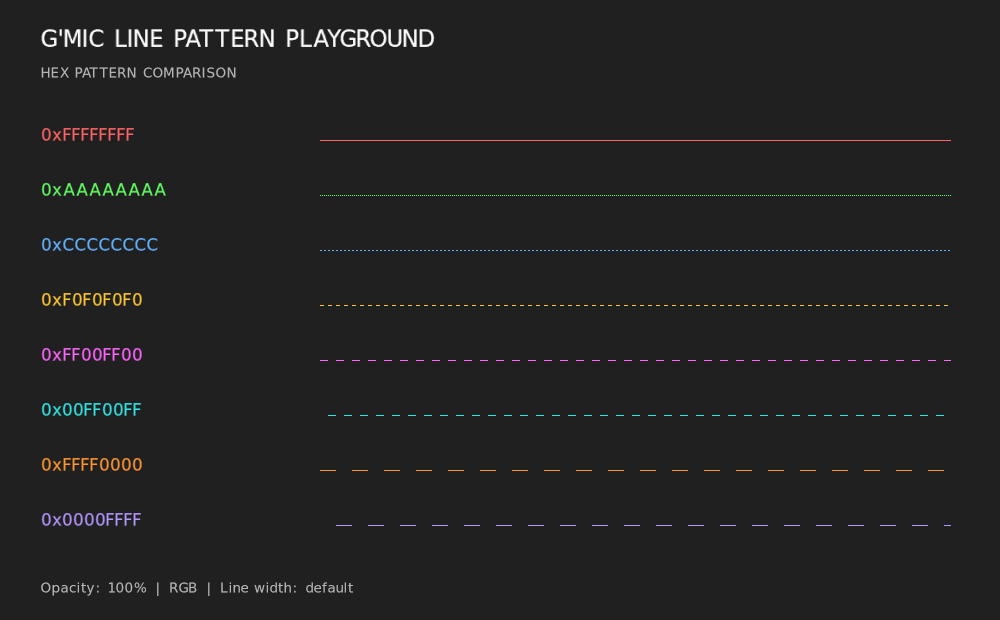
GMIC Line Pattern Playground
This generates a 1000 × 620 image with eight line-pattern samples# ============================================
# G'MIC - LINE PATTERN PLAYGROUND
# Canvas: 1000 x 620
# ============================================
# Create dark RGB canvas
1000,620,1,3,32
# Title
text "G'MIC LINE PATTERN PLAYGROUND",40,25,28,1,255,255,255
text "HEX PATTERN COMPARISON",40,65,16,1,180,180,180
# --------------------------------------------
# Pattern 1 - Solid
# --------------------------------------------
text "0xFFFFFFFF",40,125,20,1,255,100,100
line 320,140,950,140,1,0xFFFFFFFF,255,100,100
# --------------------------------------------
# Pattern 2 - Alternating bits
# --------------------------------------------
text "0xAAAAAAAA",40,180,20,1,100,255,100
line 320,195,950,195,1,0xAAAAAAAA,100,255,100
# --------------------------------------------
# Pattern 3 - Alternating blocks
# --------------------------------------------
text "0xCCCCCCCC",40,235,20,1,100,180,255
line 320,250,950,250,1,0xCCCCCCCC,100,180,255
# --------------------------------------------
# Pattern 4 - Longer blocks
# --------------------------------------------
text "0xF0F0F0F0",40,290,20,1,255,200,50
line 320,305,950,305,1,0xF0F0F0F0,255,200,50
# --------------------------------------------
# Pattern 5
# --------------------------------------------
text "0xFF00FF00",40,345,20,1,255,100,255
line 320,360,950,360,1,0xFF00FF00,255,100,255
# --------------------------------------------
# Pattern 6
# --------------------------------------------
text "0x00FF00FF",40,400,20,1,50,230,230
line 320,415,950,415,1,0x00FF00FF,50,230,230
# --------------------------------------------
# Pattern 7
# --------------------------------------------
text "0xFFFF0000",40,455,20,1,255,150,50
line 320,470,950,470,1,0xFFFF0000,255,150,50
# --------------------------------------------
# Pattern 8
# --------------------------------------------
text "0x0000FFFF",40,510,20,1,180,150,255
line 320,525,950,525,1,0x0000FFFF,180,150,255
# Bottom information
text "Opacity: 100% | RGB | Line width: default",40,580,16,1,180,180,180
What to experiment with
Once generated, try changing the following:| Experiment | What to change |
| Pattern comparison | Change only the hexadecimal value |
| Color comparison | Change RGB values |
| Transparency | Change opacity from 1 to 0.5 |
| Line direction | Change the starting and ending coordinates |
| Line length | Change X coordinates |
This playground lets you inspect the actual output rather than assuming a particular dash sequence.
One final tip: If your objective is smooth, high-quality decorative lines, compare line with line_aa. The latter is specifically designed for antialiased drawing.