
 Home
Home Download
 News
News Mastodon
 Bluesky
 X
X Summary - 17 Years
 Summary - 16 Years
 Summary - 15 Years
 Summary - 13 Years
 Summary - 11 Years
 Summary - 10 Years
 Resources
 Technical Reference
 Scripting Tutorial
 Video Tutorials
 Wiki Pages
 Image Gallery
 Color Presets
 Using libgmic
 G'MIC Online
 Community
 Discussion Forum (Pixls.us)
 GimpChat
 IRC
IRC Report Issue
| Table of Contents ▸ List of Commands ▸ Arrays, Tiles and Frames ▸ frame_seamless | ◀ frame_round | img2ascii ▶ |
frame_seamless
Arguments:
- frame_size>=0,_patch_size>0,_blend_size>=0,_frame_direction={ 0:Inner (preserve image size) | 1:Outer }
Description:
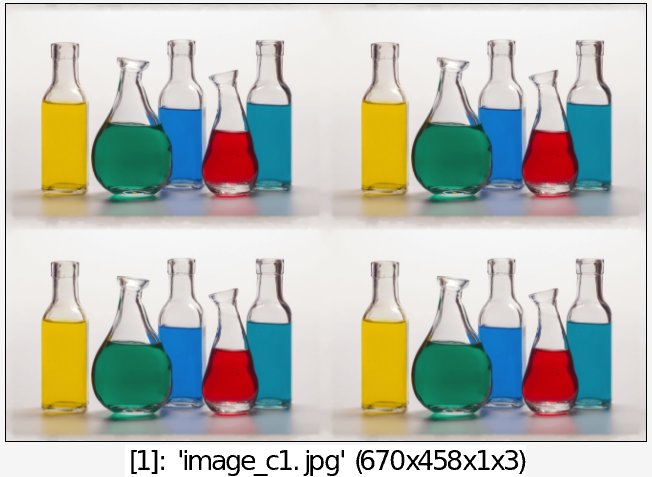
Insert frame in selected images, so that tiling the resulting image makes less visible seams.Default values:
patch_size=7, blend_size=5 and frame_direction=1.
Example of use:
image.jpg +frame_seamless 30 array 2,2