
 Home
Home Download
 News
News Mastodon
 Bluesky
 X
X Summary - 17 Years
 Summary - 16 Years
 Summary - 15 Years
 Summary - 13 Years
 Summary - 11 Years
 Summary - 10 Years
 Resources
 Technical Reference
 Scripting Tutorial
 Video Tutorials
 Wiki Pages
 Image Gallery
 Color Presets
 Using libgmic
 G'MIC Online
 Community
 Discussion Forum (Pixls.us)
 GimpChat
 IRC
IRC Report Issue
| Table of Contents ▸ List of Commands ▸ Filtering ▸ convolve | ◀ closing_circ | convolve_fft ▶ |
convolve | Built-in command |
Arguments:
- [mask],_boundary_conditions,_is_normalized={ 0:No | 1:Yes },_channel_mode,_xcenter,_ycenter,_zcenter,_xstride>0,_ystride>0,_zstride>0,_xdilation,_ydilation,_zdilation,_xoffset,_yoffset,_zoffset,_xsize>=0,_ysize>=0,_zsize>=0
Description:
Convolve selected images by specified mask.boundary_conditions can be { 0:Dirichlet | 1:Neumann | 2:Periodic | 3:Mirror }.
channel_mode can be { 0:All | 1:One-for-one | 2:Partial sum | 3:Full sum }.
Default values:
boundary_conditions=1, is_normalized=0, channel_mode=1, xcenter=ycenter=zcenter=(undefined), xstride=ystride=zstride=1, xdilation=ydilation=zdilation=1,xoffset=yoffset=zoffset=0 and xsize=ysize=zsize=(input_size/stride).
This command has a .
Examples of use:
• Example #1
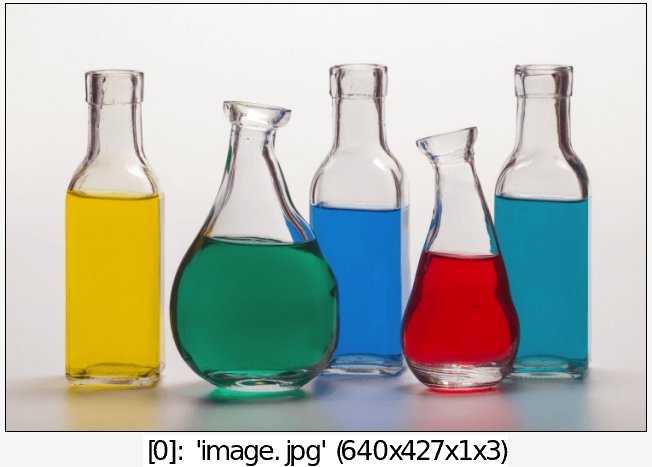
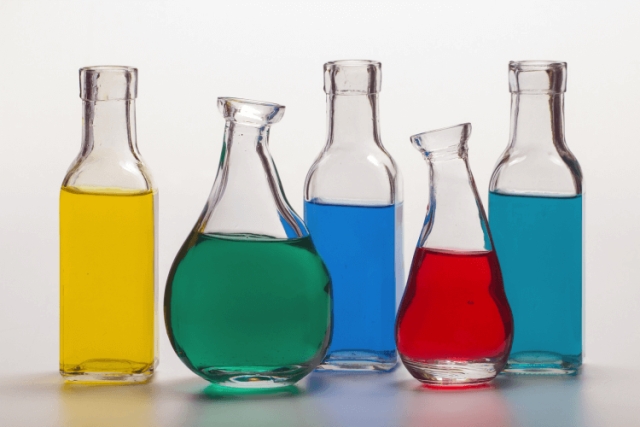
image.jpg (0,1,0;1,-4,1;0,1,0) convolve[-2] [-1] keep[-2]
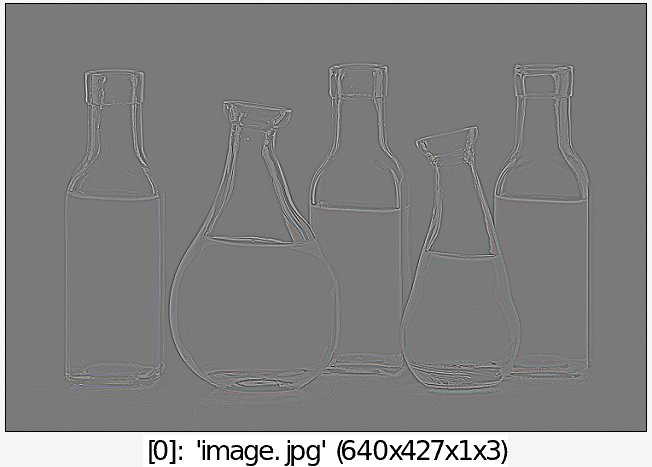
• Example #2
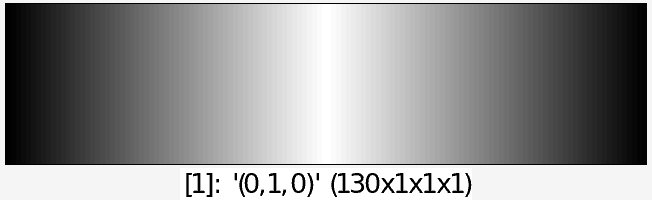
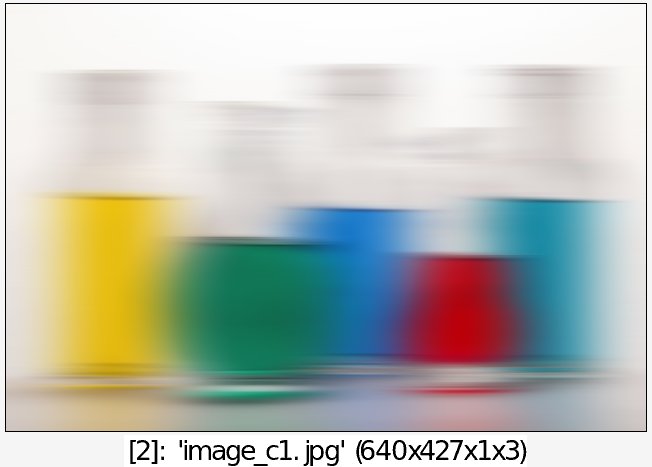
image.jpg (0,1,0) resize[-1] 130,1,1,1,3 +convolve[0] [1]