
 Home
Home Download
 News
News Mastodon
 Bluesky
 X
X Summary - 17 Years
 Summary - 16 Years
 Summary - 15 Years
 Summary - 13 Years
 Summary - 11 Years
 Summary - 10 Years
 Resources
 Technical Reference
 Scripting Tutorial
 Video Tutorials
 Wiki Pages
 Image Gallery
 Color Presets
 Using libgmic
 G'MIC Online
 Community
 Discussion Forum (Pixls.us)
 GimpChat
 IRC
IRC Report Issue
| Table of Contents ▸ List of Commands ▸ Flow Control ▸ apply_parallel_overlap | ◀ apply_parallel_channels | apply_tiles ▶ |
apply_parallel_overlap
Arguments:
- "command",overlap[%],nb_threads={ 0:Auto | 1 | 2 | 4 | 8 | 16 }
Description:
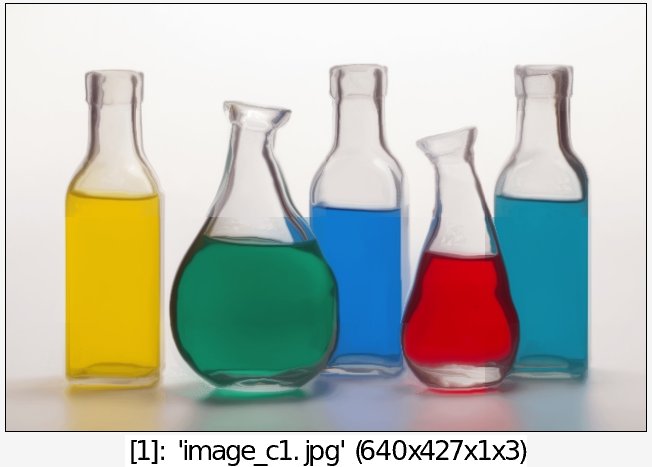
Apply specified command on each of the selected images, by parallelizing it on nb_threadsoverlapped sub-images.
(equivalent to shortcut command apo).
nb_threads must be a power of 2.Default values:
overlap=0,nb_threads=0.
Example of use:
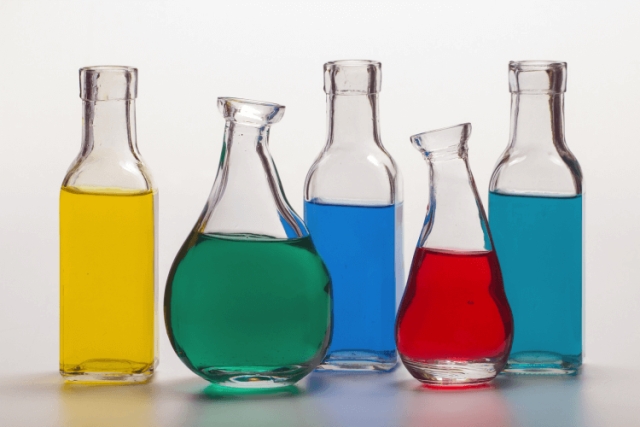
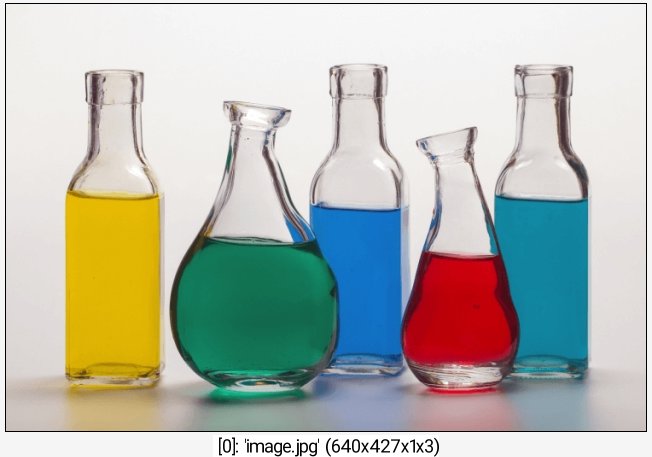
image.jpg +apply_parallel_overlap "smooth 500,0,1",1